
Best Notch Apps For Mac in 2026
Explore top Mac apps of 2026, featuring tools for productivity, creativity, and security. Perfect for enhancing your Mac experience.
Quick answer
This collection has 8 pay-once apps, priced from $5.99 to $29.99 one-time. 7 of them offer a free tier, including VibeIsland, LinkNotch and DropNotch. Between them they cover Mac. DropNotch is our top pick from this list.
Last updated July 2026
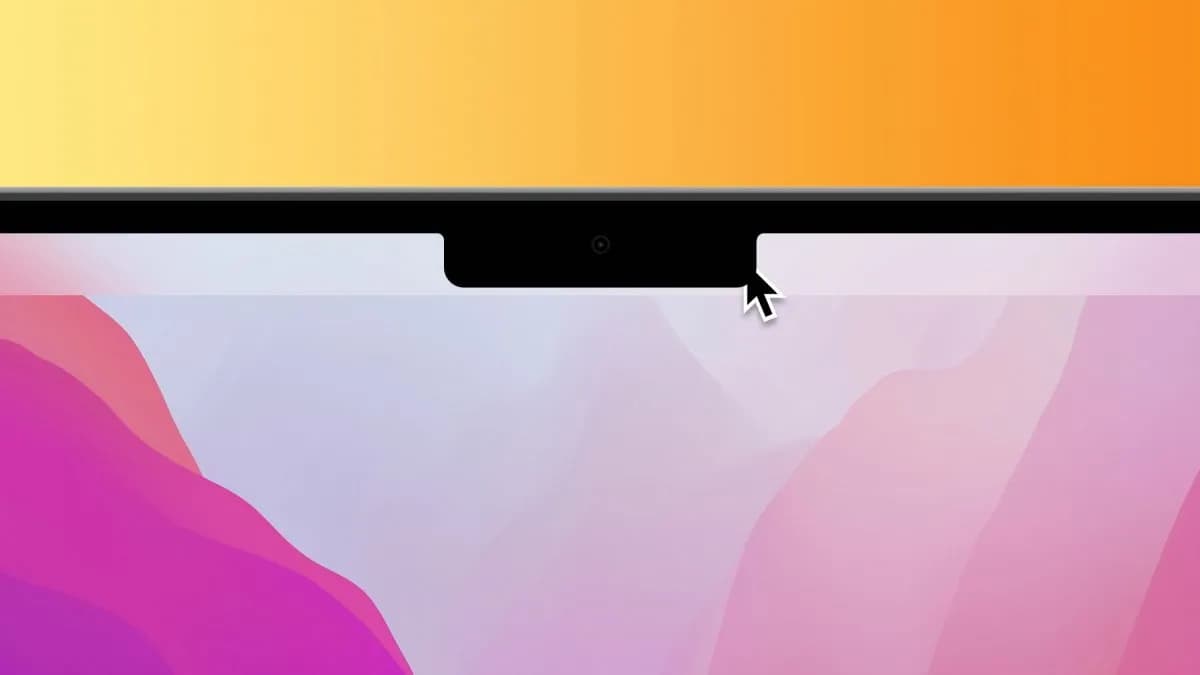
Best Notch Apps For Mac in 2026 at a glance
| App | One-time price | Platforms | Free tier |
|---|---|---|---|
| VibeIsland | Free tier, $14.99 one-time | Mac | Yes |
| LinkNotch | Free tier, $17.99 one-time | Mac | Yes |
| DropNotch | Free | Mac | Yes |
| Notchmeister | Free | Mac | Yes |
| TheBoringNotch | Free | Mac | Yes |
| NotchNook | $25 one-time | Mac | No |
| Notchie | Free tier, $29.99 one-time | Mac | Yes |
| MagicNotch | Free tier, $5.99 one-time | Mac | Yes |
Prices are one-time license fees as listed on each developer's site and may change.
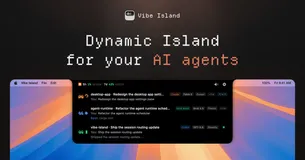
Vibe Island transforms your Mac's notch into a dynamic interface for managing 26 AI coding agents, including Claude Code, Codex, and Gemini CLI. This native Swift app offers GUI-based permission approvals, precise terminal jumps across 20+ terminals, and 8-bit sound alerts for a retro touch. Built for Apple Silicon, it uses under 100MB RAM, ensuring a fast and light experience.
Designed for developers who juggle multiple AI tools, Vibe Island keeps everything local with no cloud dependencies, enhancing privacy and speed. The one-time purchase model offers unlimited sessions and a year of updates, making it a valuable addition to any coder's toolkit. Enjoy seamless integration and efficient workflow management right from your Mac's notch.

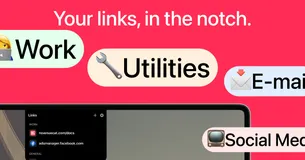
LinkNotch is a native macOS application that places your most-used links right in the notch for quick access. With just a hover and a click, you can open any link without digging through browser bookmarks. This app is designed to streamline your workflow by allowing you to create custom groups and rename URLs for easy identification.
Ideal for startup founders, developers, and marketers, LinkNotch keeps essential tools like Notion, Figma, and Slack at your fingertips. Its lightweight design ensures seamless integration with macOS, making it a must-have for anyone managing multiple web apps. Enjoy lifetime access with a one-time payment, eliminating recurring charges.
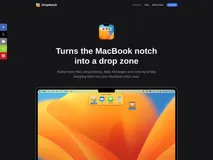
DropNotch is a unique application that transforms your MacBook's notch into a convenient file-sharing drop zone. Designed exclusively for Mac using Swift, it allows you to easily share files through AirDrop, Mail, Messages, and more by simply dragging them into the notch area. This native Universal app supports both Apple Silicon and Intel Macs, ensuring seamless integration across devices.
Ideal for Mac users who frequently share files, DropNotch enhances productivity by providing a quick and intuitive way to access sharing options. Even if your Mac lacks a physical notch, the app creates a virtual drop zone in the menu bar, making it versatile for all macOS 12.0 or newer devices. Best of all, it's free, offering a no-cost solution to streamline your workflow.
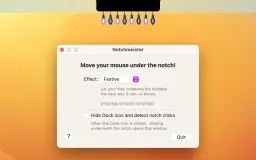
Notchmeister is a delightful utility for MacBook users, adding playful effects to the otherwise mundane notch. With features like Glow and Plasma Leak, it transforms your cursor's journey into a visual spectacle. This app is small and unobtrusive, ensuring it doesn't interfere with your work while providing a touch of whimsy.
Ideal for those who appreciate a bit of fun in their tech, Notchmeister is perfect for MacBook owners looking to enhance their user experience. It's free to use, making it an easy choice for anyone wanting to add a unique flair to their device. Enjoy a new dimension of interaction with your MacBook's notch.
TheBoringNotch is an open-source application that transforms your MacBook’s notch into a dynamic and functional workspace. It offers features like music controls, calendar alerts, and a file shelf for easy drag-and-drop sharing, all integrated seamlessly into the notch area. This app enhances your MacBook experience by utilizing the notch for practical and aesthetic purposes.
Ideal for MacBook users seeking to maximize productivity and style, TheBoringNotch is customizable and free to use. Its intuitive design and community-driven improvements make it a standout choice for those looking to enhance their macOS experience. Embrace a more efficient workflow with this innovative tool.
NotchNook transforms your macOS notch into a powerful utility hub, offering widgets, live actions, and a file shelf to streamline your workflow. With its intuitive scroll and swipe functionality, it provides a seamless user experience, making it an essential tool for macOS users.
Ideal for multitaskers and productivity enthusiasts, NotchNook supports multiple monitors and offers a one-time purchase option for up to 5 devices. Its versatility and ease of use make it a must-have for those looking to maximize their macOS capabilities.
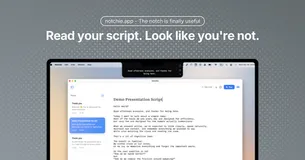
Notchie is a revolutionary teleprompter application designed for Mac users, offering a seamless way to deliver presentations and video calls with confidence. By utilizing the notch area of your Mac, it allows you to read scripts while maintaining perfect eye contact with your audience, ensuring a natural and engaging delivery.
With voice-activated scrolling, Notchie adjusts the text flow to match your speaking pace, pausing when you pause and speeding up when you do. Key features include voice-activated scrolling, which ensures your script moves at your pace, and a completely invisible overlay during screen sharing. You can also switch to auto-scroll mode with adjustable speed for traditional control.
Notchie is perfect for video calls, sales demos, presentations, and tutorials, helping you deliver your message flawlessly every time. Ideal for professionals, content creators, and educators, Notchie transforms how you present by eliminating the need to look away from the camera. Whether you're closing a deal, recording a tutorial, or leading a meeting, it ensures you sound polished and prepared.
Notchie stands out with its user-friendly design, requiring no account or signup. It's compatible with all major video conferencing apps like Zoom, Teams, and Meet, and supports both Apple Silicon and Intel Macs. With a one-time purchase, you gain lifetime access and updates, making it a cost-effective solution for enhancing your presentation skills.
Experience the transformation from nervous to natural in just 60 seconds. With Notchie, you can walk into every video call with total confidence, knowing you'll deliver your message perfectly every time. Try it today and see the difference it makes in your professional interactions.
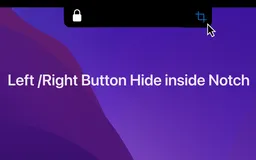
Tired of the static, unutilized space on your MacBook? MagicNotch is here to revolutionize your interaction with the notch. This MacOS app seamlessly converts that space into an active hub of shortcuts, helping you streamline your workflow like never before. Customize the notch to suit your needs - be it for displaying handy information or adding a touch of animation for some flare.
Embrace the efficiency of MagicNotch's quick shortcut features and elevate your productivity with just a single click. From launching apps to executing scripts, MagicNotch has your back, making complex tasks simpler. Plus, with the latest update, experience even more customization options and improved performance, ensuring your MacBook stands out in both functionality and style.
It's time to interact with your device in a whole new way, with a dynamic notch experience tailored just for you. The best part? MagicNotch is a free application, so you can enhance your MacBook's capabilities without spending a dime. Download and discover a notch that does more than just sit there - a notch that works for you, making your MacBook more intuitive, efficient, and uniquely yours.
FAQ
What is the cheapest app in this collection?
MagicNotch is the cheapest option at Free tier, $5.99 one-time.
Are there free options in this collection?
Yes. VibeIsland, LinkNotch, DropNotch, Notchmeister and TheBoringNotch offer a free tier, with a one-time upgrade if you need more.
Which platforms does this collection cover?
These apps run on Mac.
Do these apps require a subscription?
No. Every app on PayOnceApps is listed because it sells a one-time (perpetual) license. Some also offer a free tier or trial. Prices are checked against the developer's site but can change, so confirm on the app's website before buying.