
Notchie is a teleprompter app for Mac that enhances video calls and presentations with voice-activated scrolling. Perfect for professionals needing natural delivery. Achieve flawless eye contact and confidence.
Notchie is a one-time purchase Mac app in Communication & Chats. It costs $29.99 one-time, with no subscription. A free tier is available.
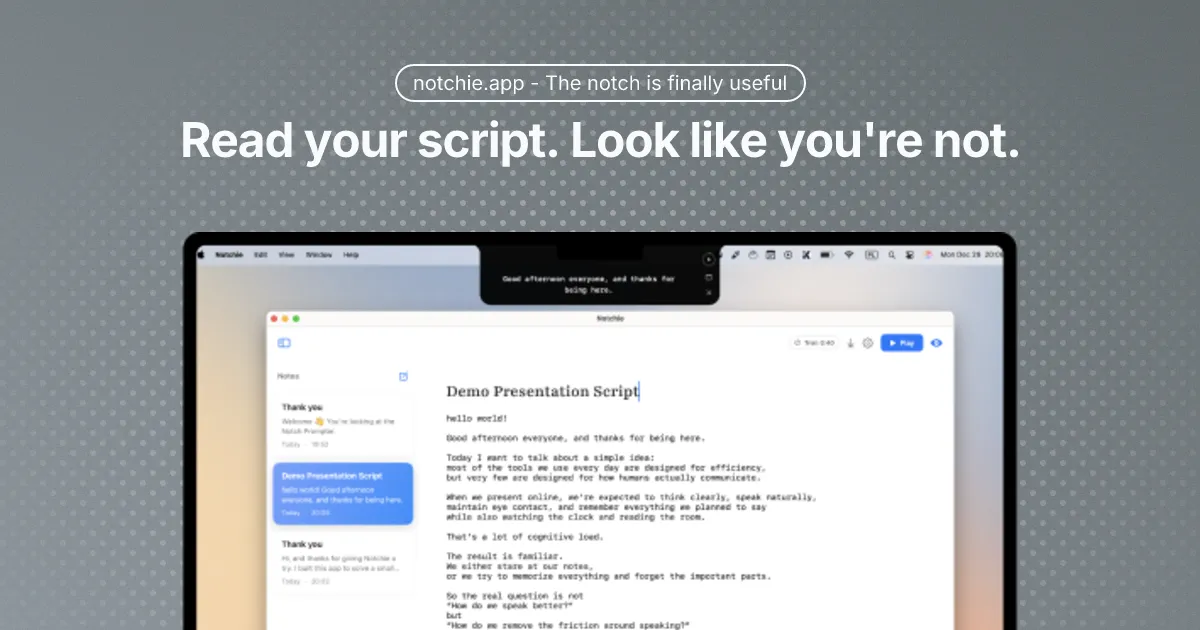
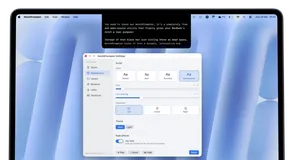
Notchie is a revolutionary teleprompter application designed for Mac users, offering a seamless way to deliver presentations and video calls with confidence. By utilizing the notch area of your Mac, it allows you to read scripts while maintaining perfect eye contact with your audience, ensuring a natural and engaging delivery.
With voice-activated scrolling, Notchie adjusts the text flow to match your speaking pace, pausing when you pause and speeding up when you do. Key features include voice-activated scrolling, which ensures your script moves at your pace, and a completely invisible overlay during screen sharing. You can also switch to auto-scroll mode with adjustable speed for traditional control.
Notchie is perfect for video calls, sales demos, presentations, and tutorials, helping you deliver your message flawlessly every time. Ideal for professionals, content creators, and educators, Notchie transforms how you present by eliminating the need to look away from the camera. Whether you're closing a deal, recording a tutorial, or leading a meeting, it ensures you sound polished and prepared.
Notchie stands out with its user-friendly design, requiring no account or signup. It's compatible with all major video conferencing apps like Zoom, Teams, and Meet, and supports both Apple Silicon and Intel Macs. With a one-time purchase, you gain lifetime access and updates, making it a cost-effective solution for enhancing your presentation skills.
Experience the transformation from nervous to natural in just 60 seconds. With Notchie, you can walk into every video call with total confidence, knowing you'll deliver your message perfectly every time. Try it today and see the difference it makes in your professional interactions.
System requirements: macOS 14+, Apple Silicon & Intel
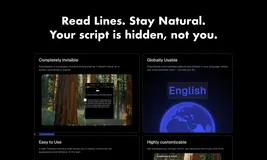
Notchie offers voice-activated scrolling, invisible overlay during screen sharing, and customizable teleprompter settings. It's perfect for professionals needing natural delivery.
Voice-activated scrolling for natural pacingInvisible during screen sharingAuto-scroll mode with adjustable speedHover-to-pause functionalityResizable window and adjustable opacityCompatible with Zoom, Teams, Meet, OBSNo account or signup required100% local processing for privacySupports Apple Silicon and Intel MacsOne-time purchase with lifetime updates30-day money-back guaranteeSecure checkout via StripeAvailable on Mac App StoreUniversal compatibility with major video appsCustomizable teleprompter width, height, and font sizeInstant download and use after purchase
+4 more