
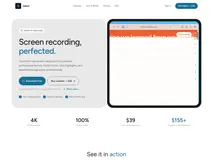
Screen Studio is a screen recording tool designed specifically for macOS. It enables users to create high-quality, professional looking videos without requiring video editing skills. With its automatic features and easy recording capabilities, it is optimized for screencasts, tutorials, demos, and promo videos among others.
Screen Studio is a one-time purchase Mac app in Design. It costs $89 one-time, with no subscription.
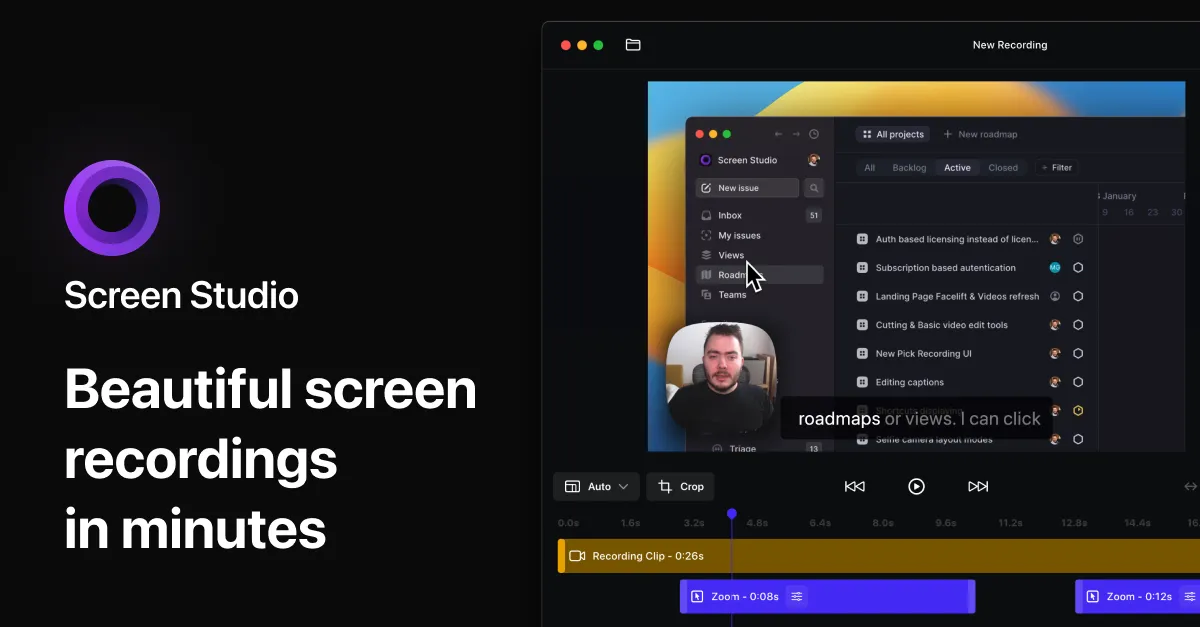
Screen Studio is an intuitive tool that enhances your screen recordings, making them more engaging and easier to follow. It offers a variety of features, geared towards creating quality content for various platforms like social media, YouTube channels, and businesses.
It automatically zooms in on your actions to focus on main points and even offers a vertical export mode for unique viewing experiences. Simple to use, but powerful, Screen Studio can record virtually anything on your Apple computer or any connected device. Along with screen recordings, it also lets you add resources like webcams, microphones, or system audio.
It makes voice volume normalizing and background noise reduction an automatic process. Users have the option to generate a transcript of their video and add it as subtitles, which is particularly useful for tutorial type content. Additionally, it can record system audio from all apps or just selected ones, making audio tutorial creation easier.
Screen Studio also allows you to add customizations to fit your branding style. Changing the background, outer spacing, shadow, and insets of your video is just a mouse-click away. Screenshots can be easily trimmed, cut, or sped up as required for sharper focus on crucial segments. Uniquely, Screen Studio offers a series of export options to optimize your video for different platforms.
You can export videos in up to 4K 60fps or in low-size GIFs, or even copy your video to clipboard for quick sharing across platforms.
Screen Studio expertly designed software for macOS. It requires macOS Ventura 13.1+ for efficient operation. Its key features include automatic and manual zoom, easy editing capabilities, changeable cursor size, automatic hiding of static cursor, and high-quality system cursors. You can enhance your videos with customizable stylistic elements like background, outer spacing, shadow, and insets.
It also supports the recording of screen content, webcam videos, microphone and system audio, and provides seamless iOS device integration. With it, you can trim and speed up parts of your videos as required.
Beyond these capabilities, it also offers export features where you can select the optimal settings for your video, copy video content to clipboard for easy sharing, and even has an upcoming feature for sharable video links.
+3 more


+2 more

+3 more
+3 more

+5 more