
Capto is a robust screen capture and video editing app designed for Mac users to record, edit, and share with simplicity.
Capto is a one-time purchase Mac, Windows app in Design. It costs €12.5 one-time, with no subscription.
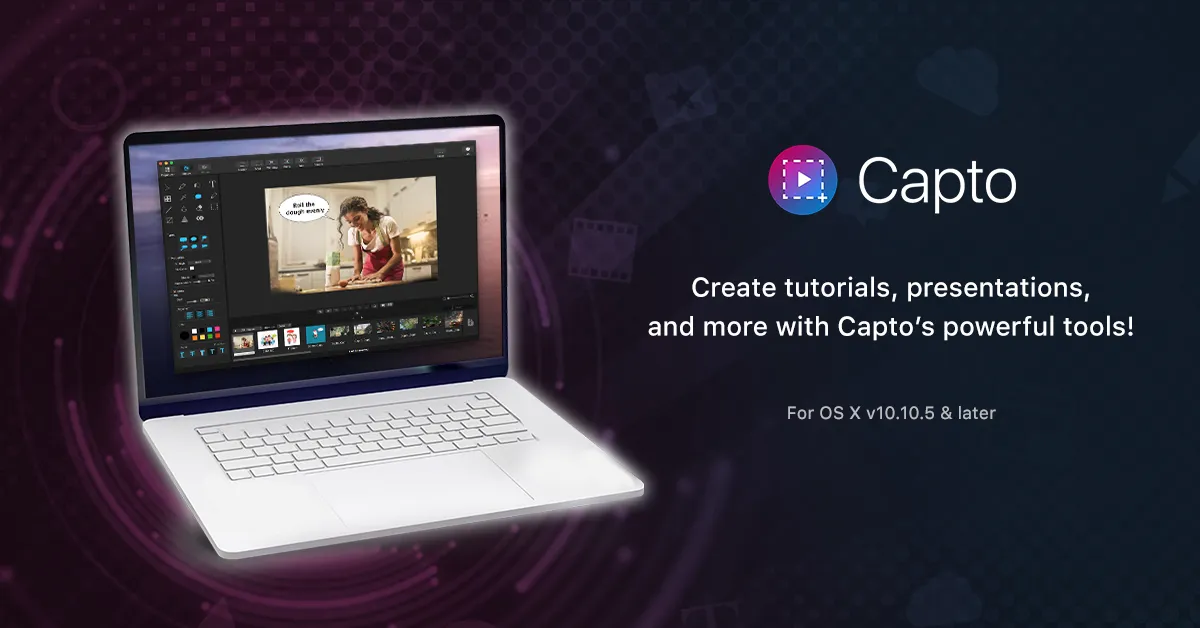
Capto provides Mac users with an effortless solution for capturing screens and editing videos. It offers a seamless experience from recording high-definition footage with 60 FPS and clear audio to post-capture editing with a powerful suite tailored for perfection. With features for both screen and web captures, users can take full-screen images or select specific areas.
The tool allows for editing screenshots and enhancing them with annotations or adjustments. Capto's dual audio editor enhances the output's quality by allowing independent system and microphone audio edits. Additionally, iOS screen recording is available, enabling users to capture their iPhone or iPad's activity.
File management is optimized with an intuitive structure for easy access and organization. And for the final touch, Capto has built-in sharing capabilities, supporting direct uploads to various platforms like Facebook, Tumblr, Dropbox, Evernote, and YouTube, or onto your remote servers via FTP/SFTP.
System requirements: macOS 10.14 & later Capto is a comprehensive toolkit that offers a range of features for creating and sharing multimedia content.
- High-definition screen recording - Flexible video recording with external device support - Comprehensive video editing suite - Versatile screen and web capture options - Advanced image editor for screenshots - Independent dual audio editing capabilities - iOS screen recording by connecting to Mac - Efficient file management for screen captures and recordings - Direct sharing to social media and cloud services

+3 more


+2 more

+6 more

+3 more
+2 more