
MacBook trackpads lack customizable edge controls. Padrail turns trackpad edges into sliders for volume, brightness, and more, adapting to the app in use.
Padrail is a one-time purchase Mac app in Brightness Adjustment. A free tier is available.
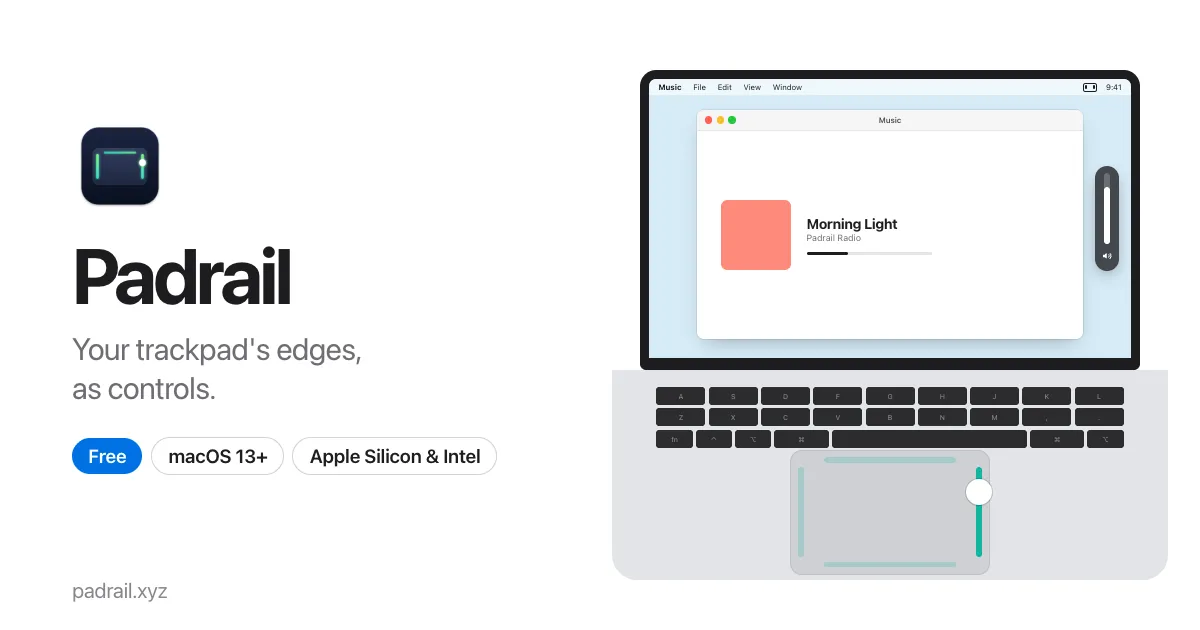
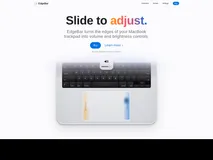
Padrail transforms the edges of your MacBook trackpad into functional controls. The right edge adjusts volume, the left controls brightness, the bottom manages keyboard light, and the top edge adapts to the app you're using. It supports tabs in browsers, zoom in design apps, and track skipping in music apps.
Padrail suits MacBook users on macOS 13 or later who want more from their trackpad. It’s free to download and use, with no license key or subscription required. The app is signed and notarized by Apple, ensuring a smooth installation process.
Padrail doesn’t interfere with regular trackpad functions and requires minimal permissions. It doesn’t support Windows or older macOS versions, and haptic feedback needs a Force Touch trackpad.
| License | License not confirmed |
|---|---|
| Trial | No trial |
| Subscription also offered | No |
| Platforms | Mac |
| Minimum OS | macOS 13 |
| Works offline | Yes |
| Account required | No |
| Version | 1.0.0 |
Why we listed it
Padrail is free, with no license key or subscription, offering a unique way to use MacBook trackpads.
Best for: MacBook users who want more control from their trackpad edges.
Not for: Users on Windows or older macOS versions.
Pros
Cons
+4 more


+6 more
+5 more


+3 more

+2 more