
FocuSee takes on post-production tasks after screen recording, saving users time and effort. It tracks cursor movement, applies zoom effects, sets a nice background and creates professional videos.
FocuSee is a one-time purchase Mac, Windows app in Design. It costs $79.99 one-time, with no subscription.
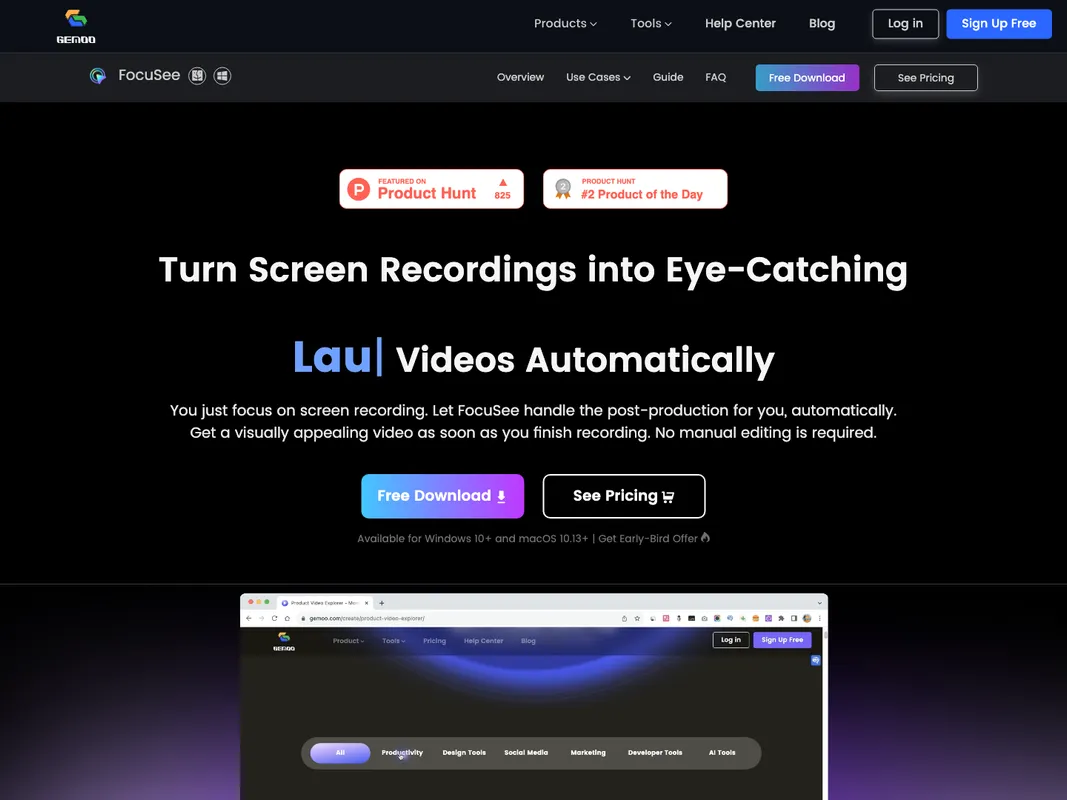
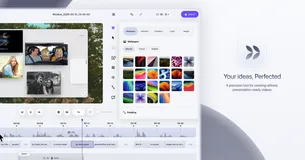
Just record your screen, FocuSee will handle the rest. It automatically follows your cursor as you move it, applying dynamic zoom effects and placing a nice background behind your footage. This results in a professional-grade video ready for use, cutting down the hours and effort typically spent on video editing. Designed for demos, tutorials, promos, product launches, and sales pitch videos.
You can also add in-video quizzes and call-to-action buttons. With FocuSee, you can even resize your video for different social media platforms with a single click. The software can be used to record captivating videos for product releases and updates, making it a versatile tool in your marketing toolkit.
Personalize your videos by selecting selfie and screen layouts, adding frames and filters, or modifying your video with a variety of editing options which include trim, cut, crop, speed up, and slow down. Whether you need a side-by-side setup, an overlay, or screen-only presentation, FocuSee has got you covered.
FocuSee is available for users who have Windows 10+ and MacOs 10.13+ systems. The key features include, automatic editing with zero input, transforming screen recordings into product videos automatically. These videos are both entertaining and easy to produce, with the software handling cursor tracking and dynamic zoom effects.
Customizable options such as changing speed, cutting or trimming your video, altering layouts and choosing between side-by-side, overlay, or screen-only presentations. There is also the capability to add a variety of frames and filters to suit your individual or brand style.
The software also allows for easy sharing on different social media platforms with preset sizes, exports content as high-definition videos up to 4K or high-quality GIFs. Online sharing through interactive elements like in-video quizzes, forms, and call-to-action buttons are also available to generate leads more efficiently.

+3 more


+2 more


+3 more

+3 more

+2 more