

Motionscribe is designed for macOS. It enables users to create promo videos within minutes and with real-time beat detection, synchronizes them with any song.
Motionscribe is a one-time purchase Mac app in Design. It costs $89 one-time, with no subscription.
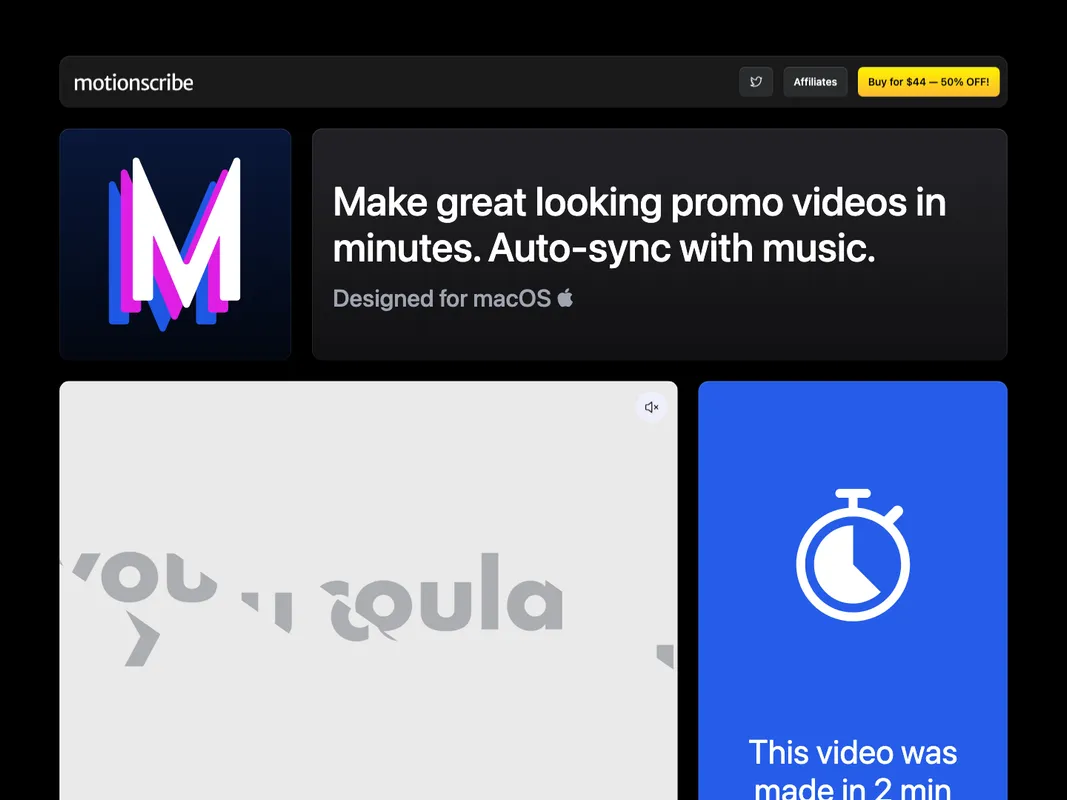
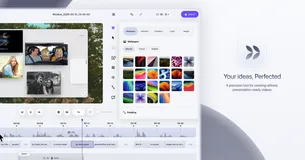
With Motionscribe, users can select a style, add content, and just press play. The application's real-time beat detection keeps their content in sync with any song. Users can add text, videos and images to their projects. These projects can be created in wide, tall or square video formats. The one-time payment offer grants users lifetime access to the application with no subscription required.
All features are included in the purchase. Users can make unlimited projects and unlimited exports. There's also a 14-day money-back guarantee if a user is not satisfied.
System requirements: macOS Motionscribe boasts an easy to use interface and an impressive set of features. It provides flexibility in creating videos of multiple dimensions - wide, tall, or square. Real-time beat detection for audio synchronization is a key highlight.
Individual Features: - Create wide, tall, or square videos - Real-time beat detection for content audio synchronization - Allowance for text, videos, and image inclusion - One-time payment for unlimited access - Lifetime access with one year of updates - 14-day money-back guarantee

+3 more


+2 more

+4 more

+3 more

+2 more